
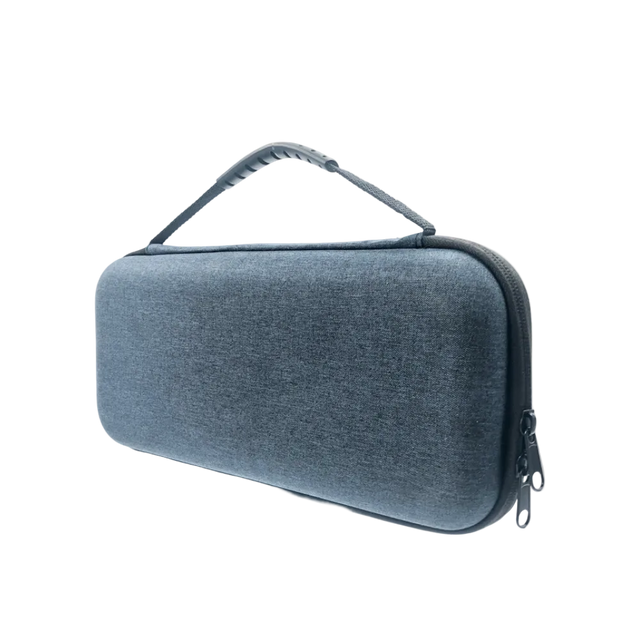
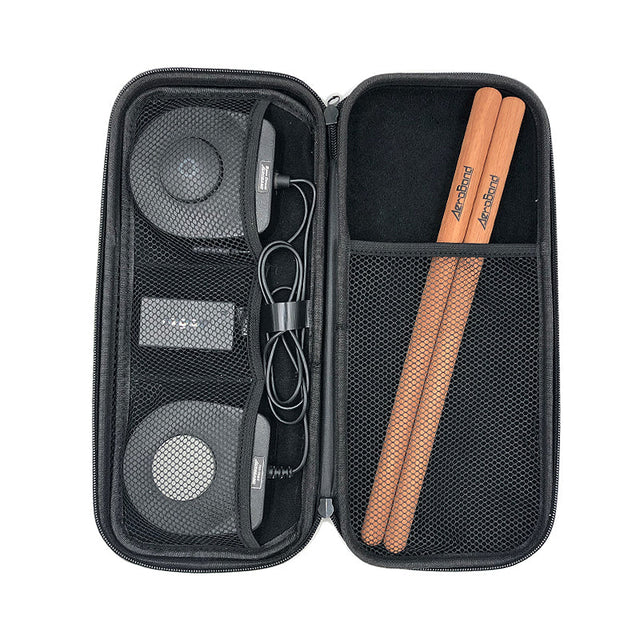
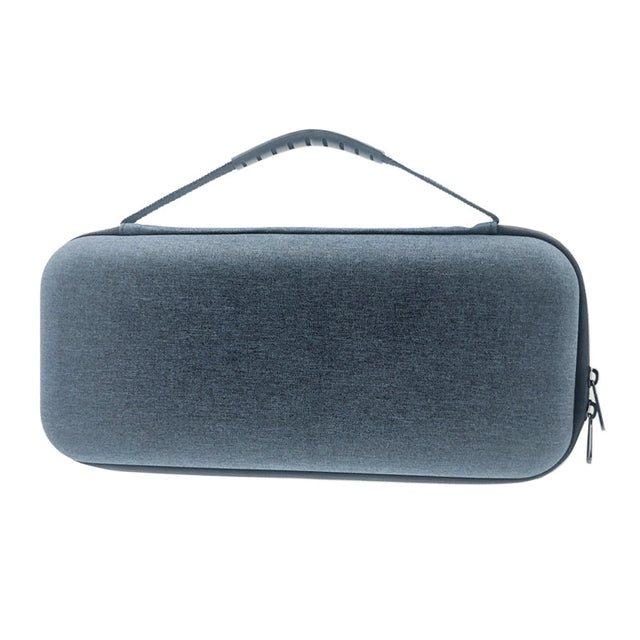
PocketDrum opbergtas
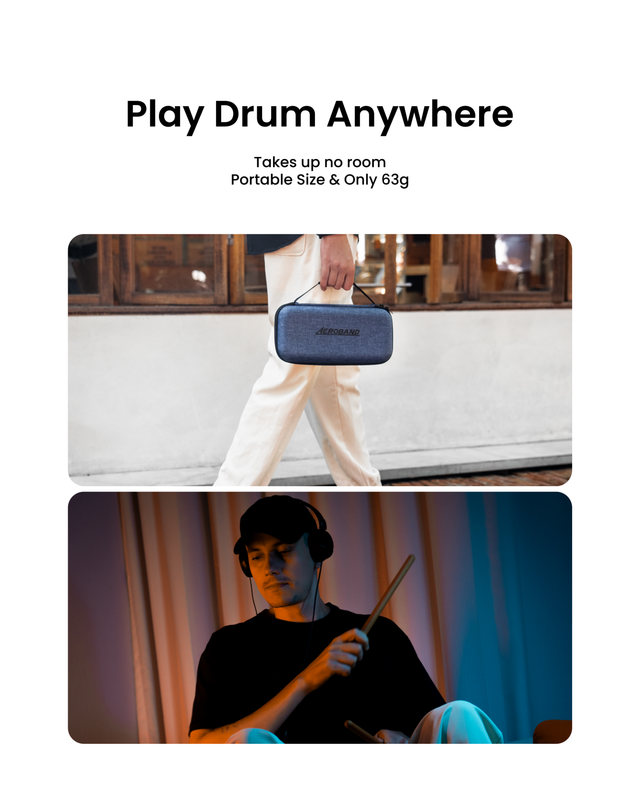
- Drum altijd en overal
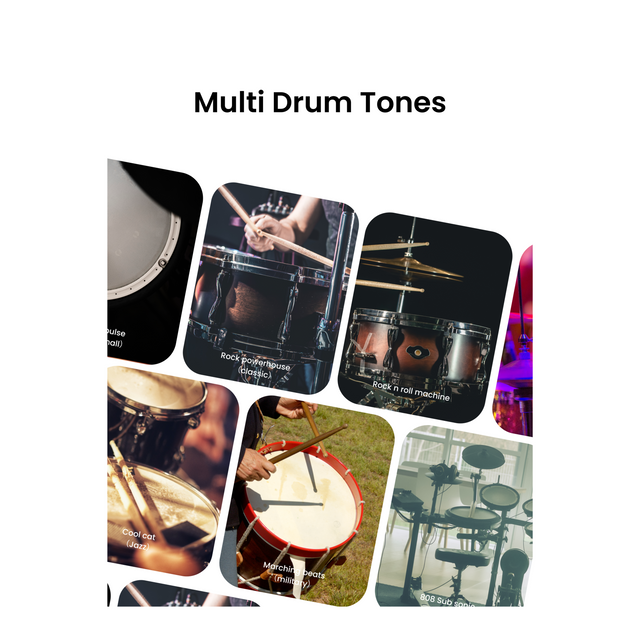
- Ervaar de respons van drumstokken zonder een volledige drumkit.
- Verbind via Bluetooth of AUX
PocketDrum 2 Max – Draagbare Elektronische Drumset met Dubbele Bas & MIDI-Controller
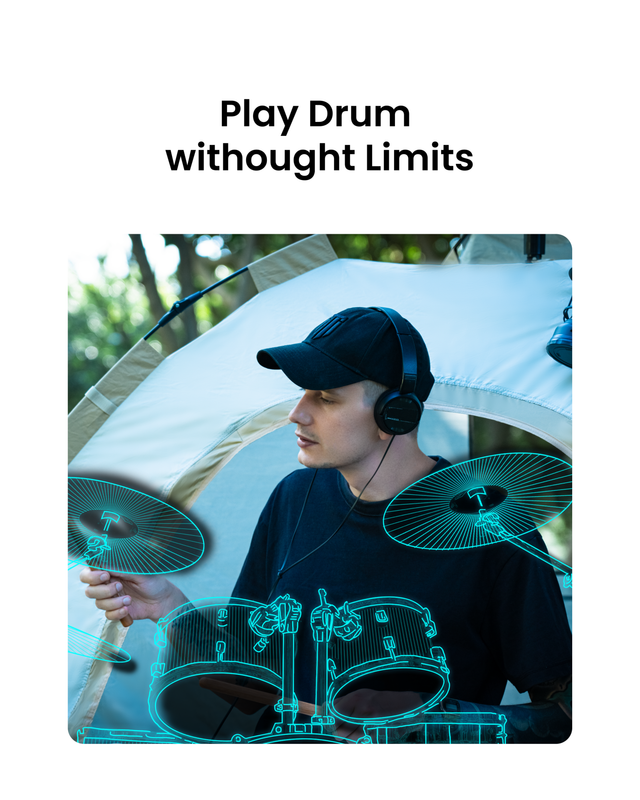
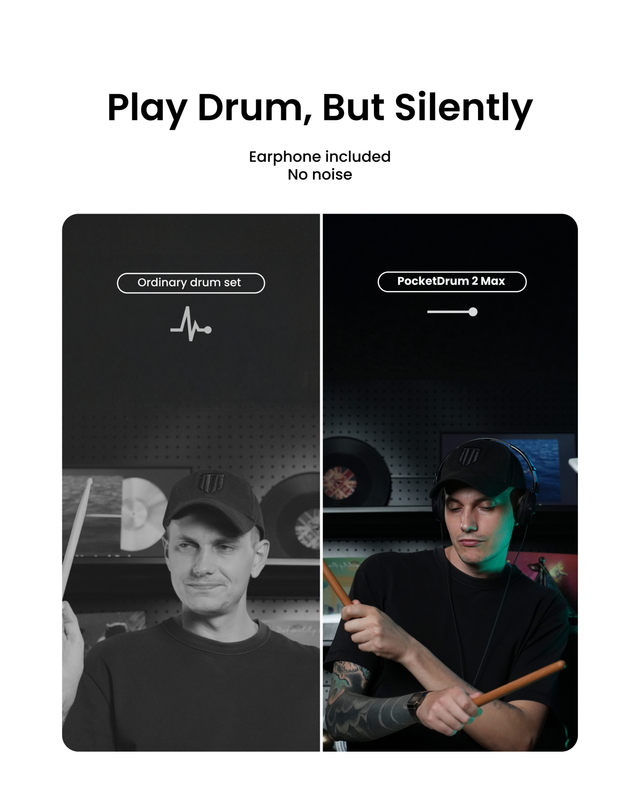
Speel overal en altijd – Stil, meeslepend drummen zonder anderen te storen
Dubbele bas ondersteuning – Breng je voetenwerk naar een hoger niveau
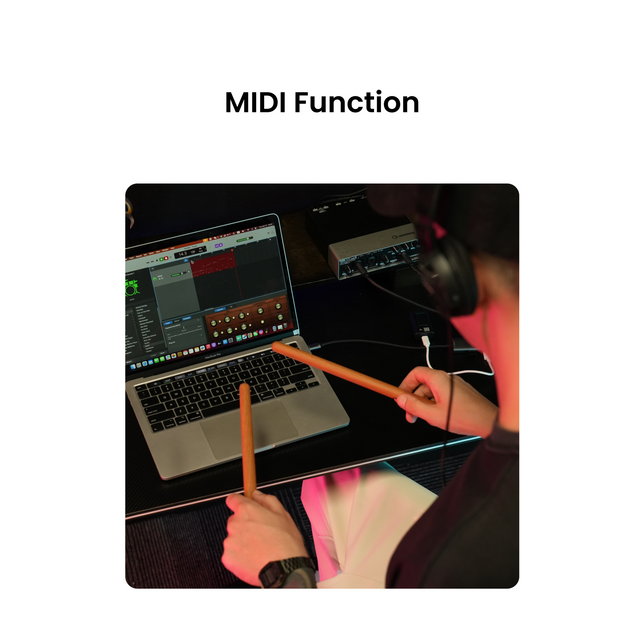
MIDI-controllerfunctionaliteit – Verbind met DAW's en muziekproductiesoftware
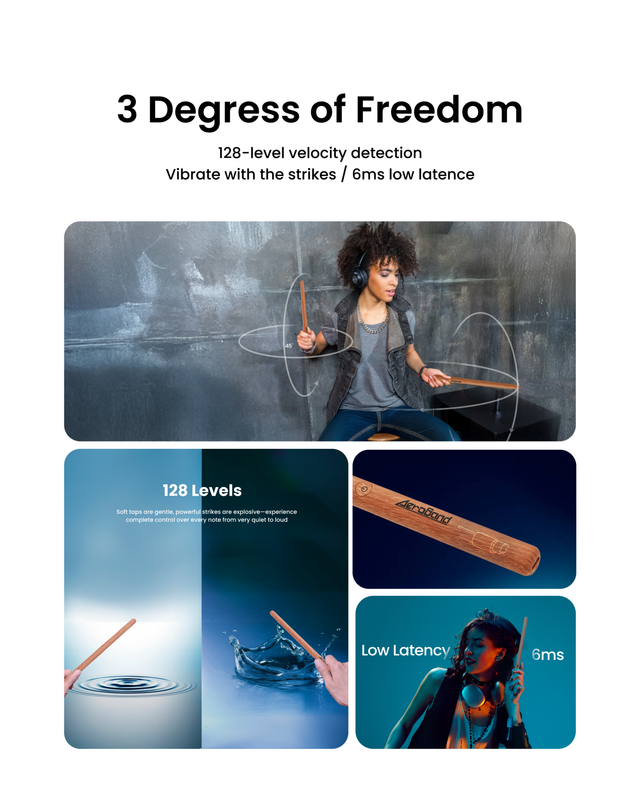
6 ms ultralage latentie – Realistische en responsieve speelervaring
Geen app vereist – Eenvoudige plug-and-play-installatie
Compact & reisvriendelijk – Ideaal voor muzikanten onderweg
Opmerking: De PocketDrum 2 Max is NU geschikt voor linkshandige drummers.
Bekijk de instructievideo om de Pocketdrum correct in te stellen voordat u gaat spelen.
Echte klanten, echte reviews
Veelgestelde vragen
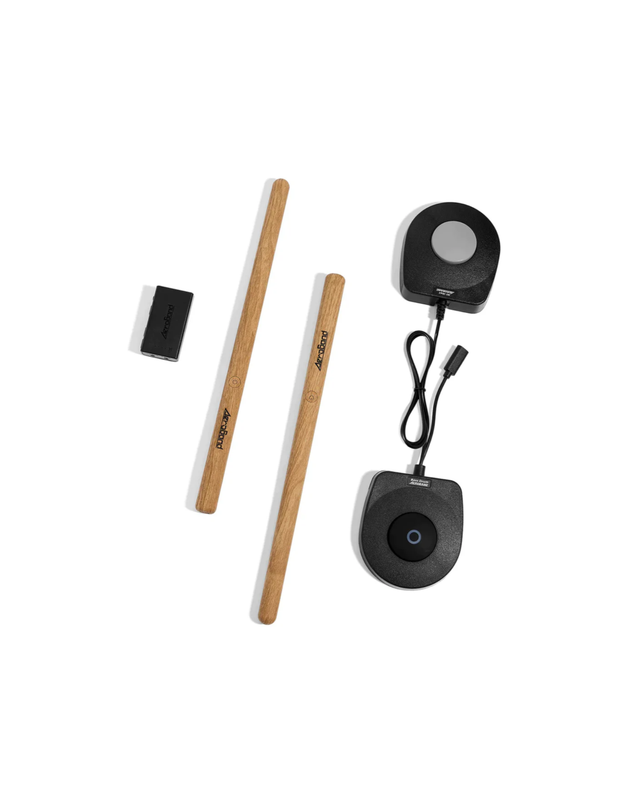
Je Aeroband PocketDrum wordt geleverd met alles wat je nodig hebt om te beginnen met spelen:
2 × PocketDrum Sticks
2 × Voetpedaal
2 × Type-C oplaadkabel
1 × Type-C MIDI-kabel
1 × AUX-audiokabel
1 × Gebruikershandleiding
1 × Adapter (Type C naar Type A)
1 × Bedrade hoofdtelefoon (3,5 mm TRS)
1 × Trommelkaart
Let op: De verpakking bevat geen draagtas of extra accessoires, tenzij anders vermeld in uw bestelling.
Absoluut! PocketDrum is zeer geschikt voor beginners.
Om nauwkeurig te spelen, begin je met het bekijken van onze instructievideo . Deze is essentieel om de juiste technieken te leren en PocketDrum onder de knie te krijgen.
We bieden een drumplattegrond aan om u te helpen de positie van elke virtuele drum te vinden.
Met een beetje oefening met behulp van de handleiding ben je klaar om te beginnen met leren en plezier te hebben – je hebt geen eerdere drumervaring nodig.
Om nauwkeurig te spelen, begint u met het bekijken van onze instructievideo. Deze is essentieel voor het leren van de juiste technieken om PocketDrum onder de knie te krijgen. Hier volgt een stap-voor-stap overzicht om u op weg te helpen:
- Inschakelen en verbinden: Schakel uw drumstokken, pedalen en adapter in. De drumstokken en de pedalen maken automatisch verbinding met de adapter.
- Gebruik de drumkaart, niet noodzakelijk: Bevestig de meegeleverde gedrukte drumkaart aan de muur voor u. Deze kaart toont de exacte posities van elke virtuele drum en cimbaal.
- Juiste houding en grip: Ga comfortabel zitten tegenover de drumkaart. Houd de drumstokken licht maar stevig vast en houd uw polsen ontspannen.
- Oefen het raken van de juiste zones: Gebruik de drumkaart als leidraad om elk drumgebied te raken met nauwkeurige stokhoeken en gecontroleerde beweging (ongeveer 30°–45°).
- Leer drumtechnieken: Volg de instructievideo's om polsbeweging, stokcontrole en drumbtiming onder de knie te krijgen om uw speelnauwkeurigheid en gevoel te verbeteren.
- Regelmatig kalibreren: Herkalibreer uw PocketDrum indien nodig om een precieze positiedetectie te behouden, vooral na langdurig spelen of het wisselen van modi.
- Bouw spiergeheugen op: Oefen consequent met de drumkaart en de tutorial om spiergeheugen en zelfvertrouwen te ontwikkelen, zodat u uiteindelijk nauwkeurig kunt spelen zonder de kaart.
Opmerking: De drumstokken volgen beweging en hoek, niet de ruimtelijke positie.
Door deze stappen en de video-tutorial te volgen, zult u snel vertrouwd raken met de PocketDrum en genieten van de veelzijdige drumervaring.
Voor een gedetailleerde handleiding kunt u de instructievideo bekijken. Gebruik vervolgens de gebruikershandleiding en de drumkaart die bij uw PocketDrum worden geleverd om te oefenen:
- Hang de drumplattegrond plat aan de muur (zorg ervoor dat het "+" teken op de plattegrond op ooghoogte staat wanneer u zit; het geeft aan waar elke drum zich bevindt).
- Ga voor de kaart zitten en plaats je drumstokken zo dat het midden zich ongeveer boven de snaredrum bevindt.
- Volg de aanwijzingen op de kaart om te oefenen met het raken van elke trommel op de juiste plek.
- Houd je polsen ontspannen en maak gecontroleerde bewegingen met de stick. Te wilde of te harde bewegingen kunnen de nauwkeurigheid beïnvloeden.
- Oefen regelmatig met de kaart. Na verloop van tijd ontwikkel je spiergeheugen en heb je de kaart niet meer nodig om de drums correct te raken.
Let op : de drumstokken registreren beweging en hoek , niet de ruimtelijke positie.
Het is ook een goed idee om je PocketDrum zo nu en dan te kalibreren of opnieuw te kalibreren, vooral na lange speelsessies of bij het wisselen van modi. Dit zorgt ervoor dat je slagen nauwkeurig blijven en het apparaat soepel werkt.
Hieronder vindt u de instructies voor de AeroBand PocketDrum.
Let op: PocketDrum is ontworpen om goed te werken. Het kan wat tijd en oefening kosten om te wennen aan het speelgevoel, maar het product functioneert zoals bedoeld.
Over de kaart:
De kaart is slechts een visuele gids om de drumindeling te tonen. Na kalibratie hoeft u de kaart niet te gebruiken om te spelen of de juiste geluiden te activeren. Veel gebruikers vinden dat spelen zonder de kaart natuurlijker aanvoelt.
Hercalibratie-instructies
1) Positie van de stokken
Houd beide stokken voor u in een hoek van ongeveer 45°, licht naar binnen gericht.
2) Het bovenste drumbereik raken
Om de bovenste drum te activeren, maakt u een zachte opwaartse slagbeweging met beide stokken (alsof u het bovenste deel van het drumstel raakt).
3) Het onderste drumbereik raken
Om de onderste drum te activeren, beweegt u de stokken horizontaal, plat en recht naar voren (alsof u het onderste deel van het drumstel raakt).
4) Bewegingsrichting
Uw bewegingen hoeven er niet precies uit te zien als de afbeeldingen in de handleiding. Natuurlijke, duidelijke bewegingen werken het beste.
5) Controleer de kalibratie
Gebruik de knoppen Voice en Volume (+/–) om te controleren of elke stok de juiste drum activeert.
Als de kalibratie correct is, verschijnen de bijbehorende kleuren/lampjes op de stokken.
6) Wennen aan het spelen
Vooral in het begin kan het even duren om te wennen aan het gevoel. Met een beetje oefening verbeteren de nauwkeurigheid en controle meestal snel.
Belangrijke opmerkingen
-
Als de stokken elkaar raken, kan de kalibratie verloren gaan en moet deze opnieuw worden uitgevoerd.
Video-instructie
We raden ook deze korte YouTube-video aan met een visuele stap-voor-stap uitleg:
https://www.youtube.com/watch?v=Zy__nmeldgU
https://www.youtube.com/watch?v=5_RTppBxb3Y
We hopen dat deze gids u helpt en uw speelervaring verbetert.
Ja, er is een minimale vertraging van ongeveer 6 ms . Houd de ontvanger en de luidspreker zo dicht mogelijk bij u voor de beste ervaring (stabieler en minder merkbaar). Over het algemeen is het een positieve ervaring.